
The page scrolls.
Your diagram stays.
Pinner is a free Chrome extension. Pin a diagram, an equation or a passage, and it stays on screen as a small card while you read on.
Try it here.
A working copy of Pinner on a sample page. Pin something, then scroll inside the window.
Finite state machines: a worked example
The machine has three states. A is the start state, B is reached after the first valid symbol, and R is the accepting state.
Read the diagram from left to right. Only the arrow labeled b reaches R. The loop does not.
2. The transition equation
As shown above, the loop keeps the machine in B until a b arrives.
Here pab is the chance of moving from A to B, and pbb is the chance of looping in B.
3. The transition table
Compare each row with the diagram at the top. The row for B has two entries, one for each arrow that leaves it.
4. Check it in code
If the input ends in B the string is rejected, because in Figure 1 only R has the double circle.
Trace the string “aab” by hand, then compare your answer with the code.
Hover the diagram and click Pin, or use the buttons above.
One card. A few tricks.
Each one is a button on the card or an item in its More menu.
-
Dock right
Pins stack in a rail at the edge of the window. The page does not move.
-
Follow
A pin hides while its source is on screen and comes back when it scrolls away.
-
Float above other apps
Pop out moves a pin into a small window that stays on top, whatever you switch to.
-
Copy LaTeX
Equations from KaTeX, MathJax or MathML pages copy their TeX source.
-
Update from page
When the source changes, capture it again and the pin shows the new version.
-
Keep on all sites
One pin that shows on every site you open, not only the page it came from.
Watch it work.
A 49 second animated film, with voice and music.
Every pin, kept.
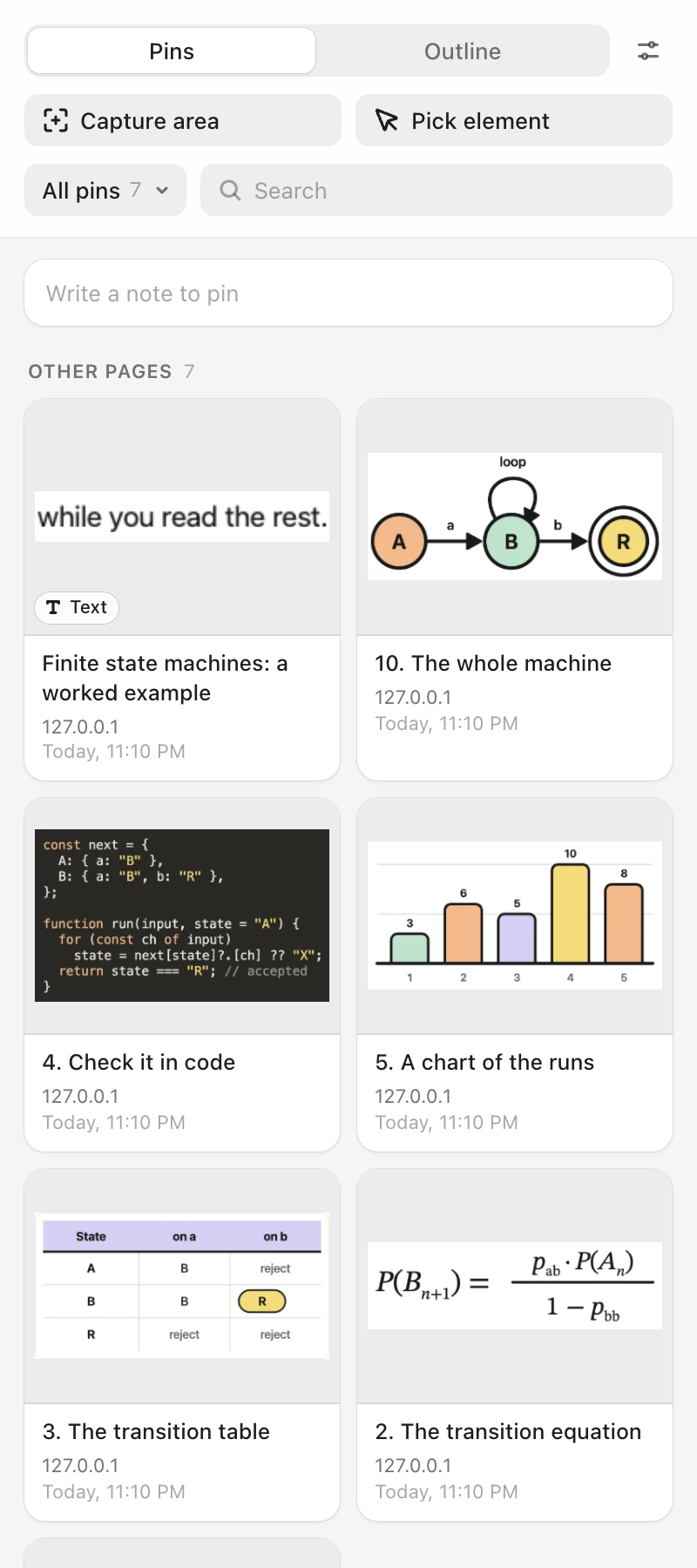
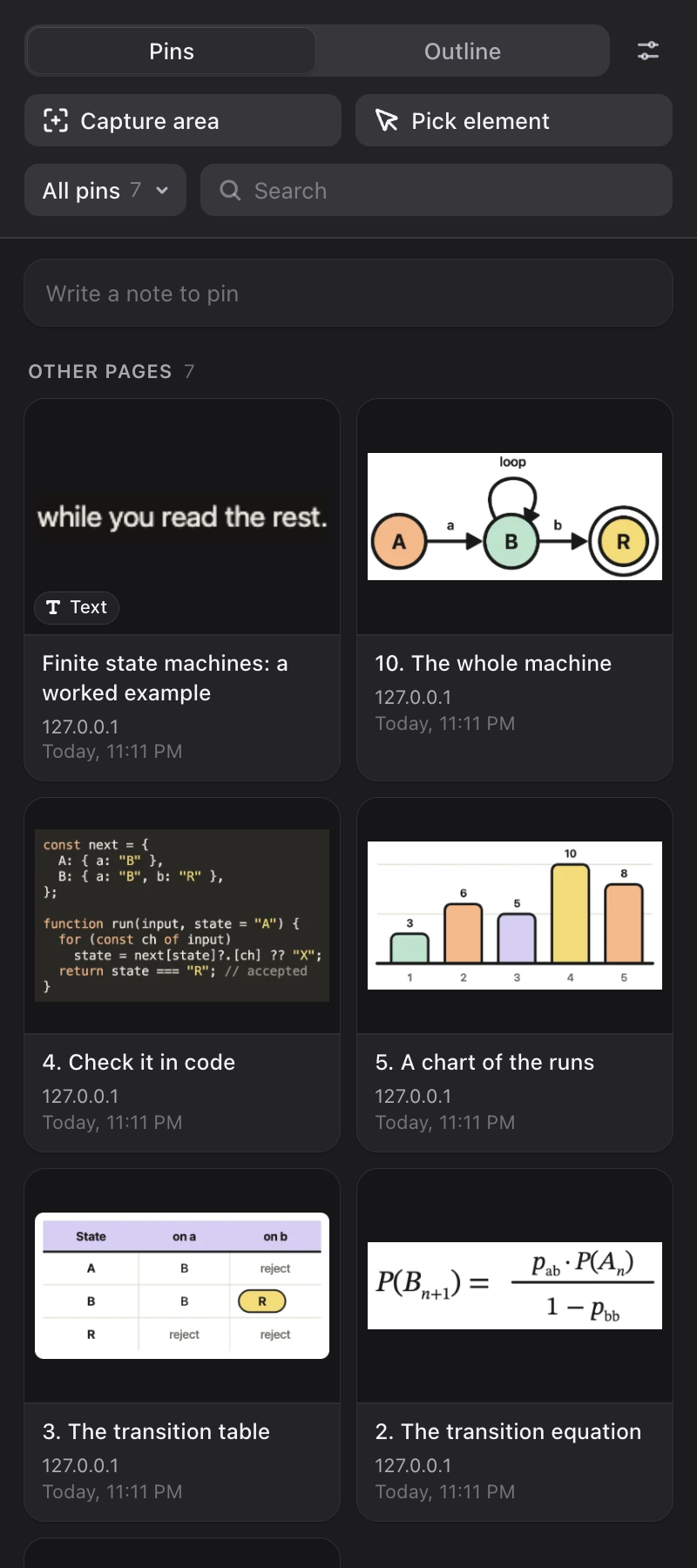
The Library sits in Chrome’s side panel, beside the page you are reading.
- Search, with a thumbnail for every pin
- Boards, one per topic or course
- Notes, and an outline of the page
- Open any pin full size and mark it up with a pen, highlighter or arrow
Your pins stay in your browser.
Pinner saves pins in Chrome’s own storage on your computer. There is no Pinner server to send them to.
- No account
- No tracking
- No remote code
The only network request Pinner makes is to fetch an image you chose to pin, when the page does not hand it over directly. More in the privacy policy.
Get Pinner. It is free.
For Chrome 130 or newer. It works on any site, and it is built for long ChatGPT and Claude answers.
- Click Add to ChromeIt opens Pinner’s page on the Chrome Web Store.
- Pin the toolbar buttonClick the puzzle piece in Chrome’s toolbar, then the pin next to Pinner.
- Pin somethingHover a diagram and click Pin. The guide covers the rest.